Finding a good photo editing app can still be hard these days. To be honest, there are many great options that provide advanced and professional features. However, most of them require a paid subscription to unlock everything. Let's take a look at one that comes with zero ads and no hidden in-app purchase requirements!
A focused editing experience
Snapseed is a photo editing app available entirely for free. It's developed and published by Google, which explains why it doesn't cost anything to use. What we love about the app is that there are no features unrelated to photo editing. From the home screen, you just press the plus button to add a photo. After that, you can do whatever you want with it.Filters and powerful tools
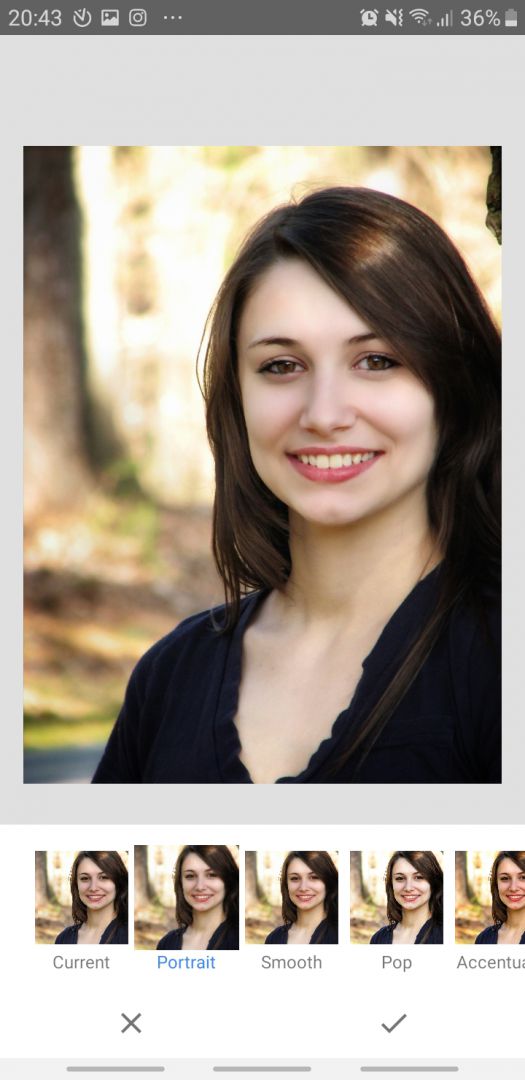
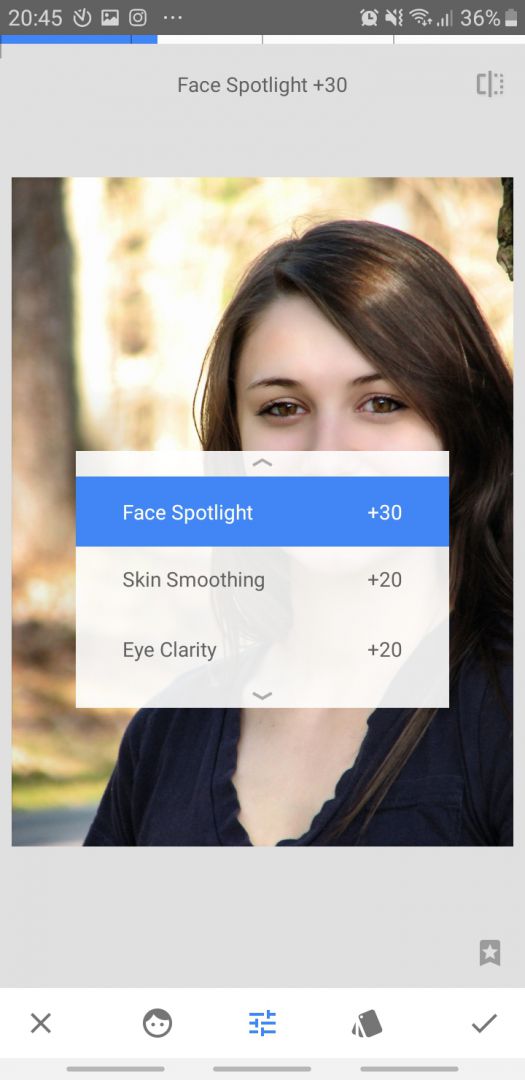
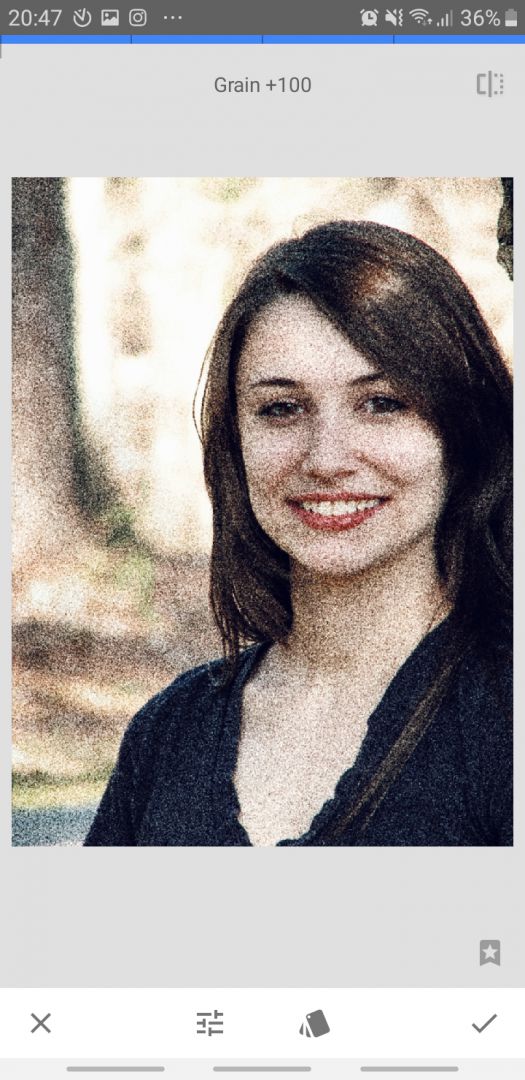
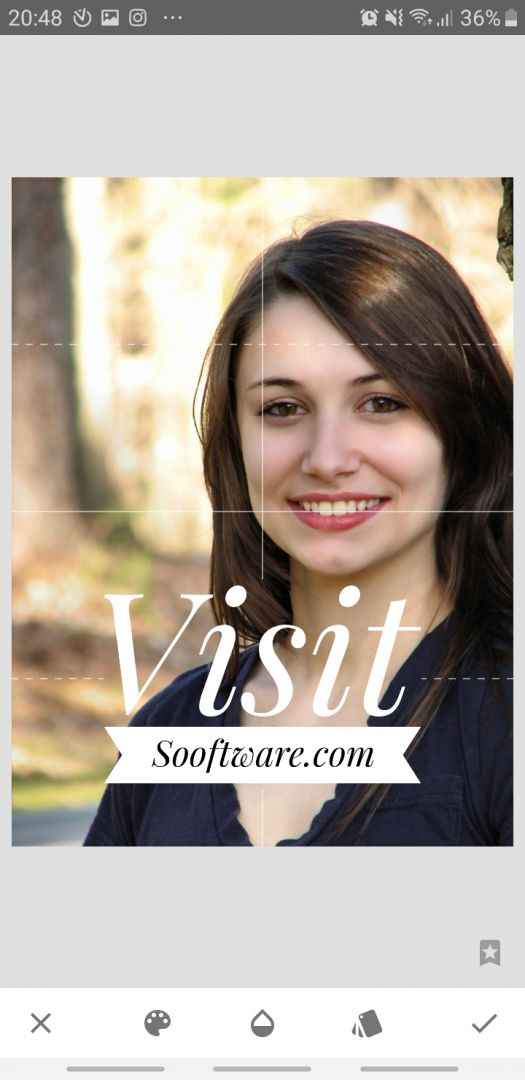
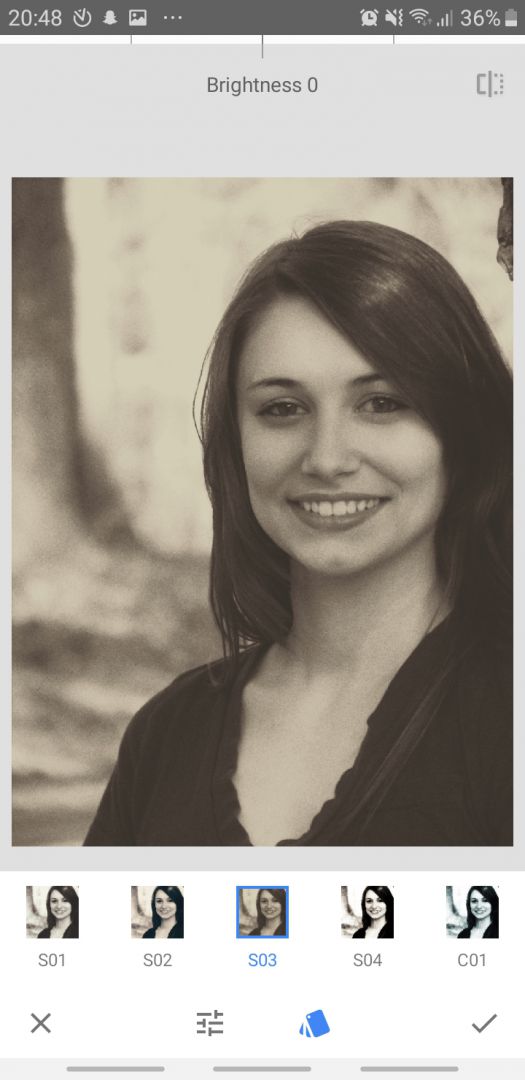
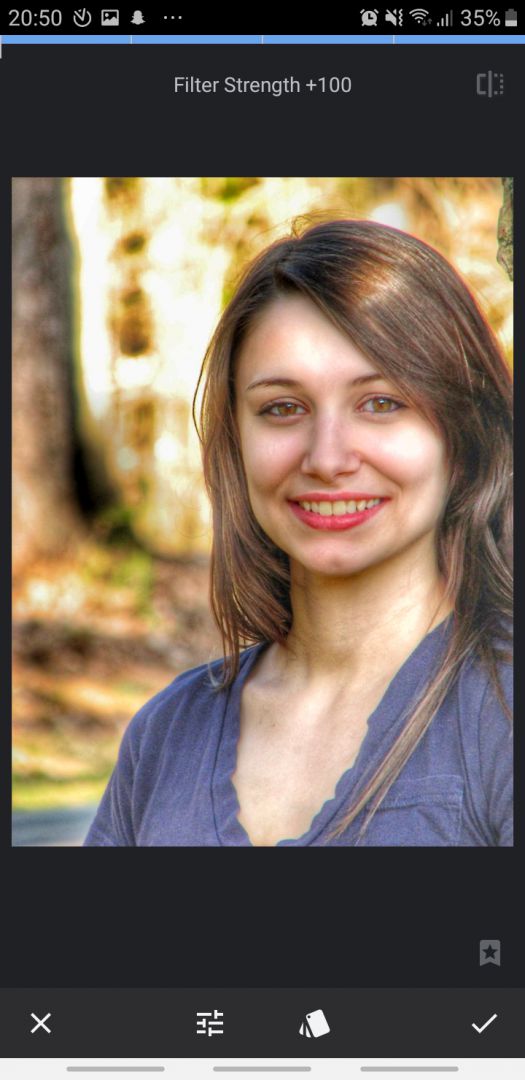
There are a lot of preset filters under the Styles tab, which you can use for one-click editing. If none of those work for you, head over to the Tools tab. Here, you'll find plenty of features you might not have even heard of. Sure, basic tools are also available, such as standard adjustments (contrast, brightness, saturation, etc.), cropping, rotation, and adding text. The number of different effects and filters you can apply to your photo is amazing, and we'll leave it up to you to try them out!Advanced feature set
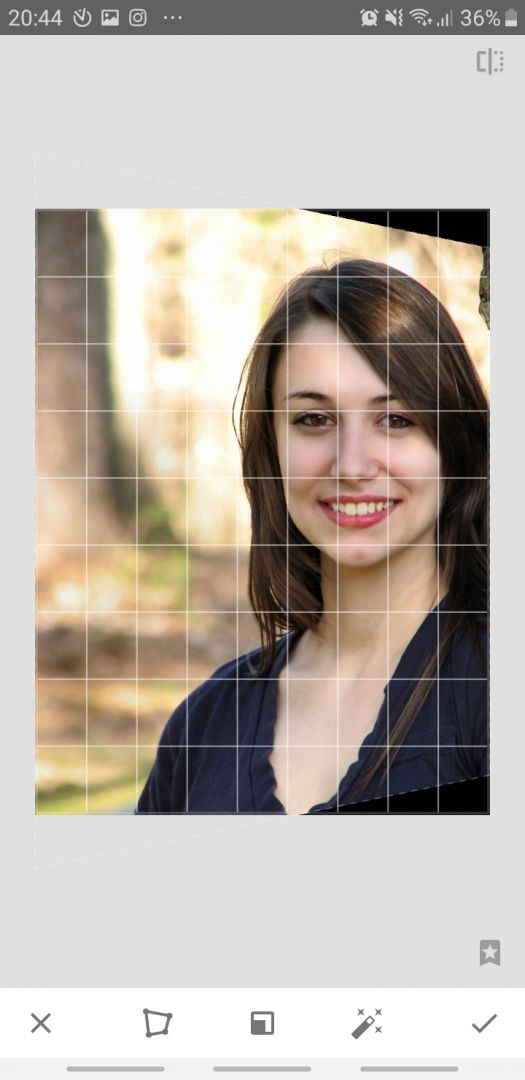
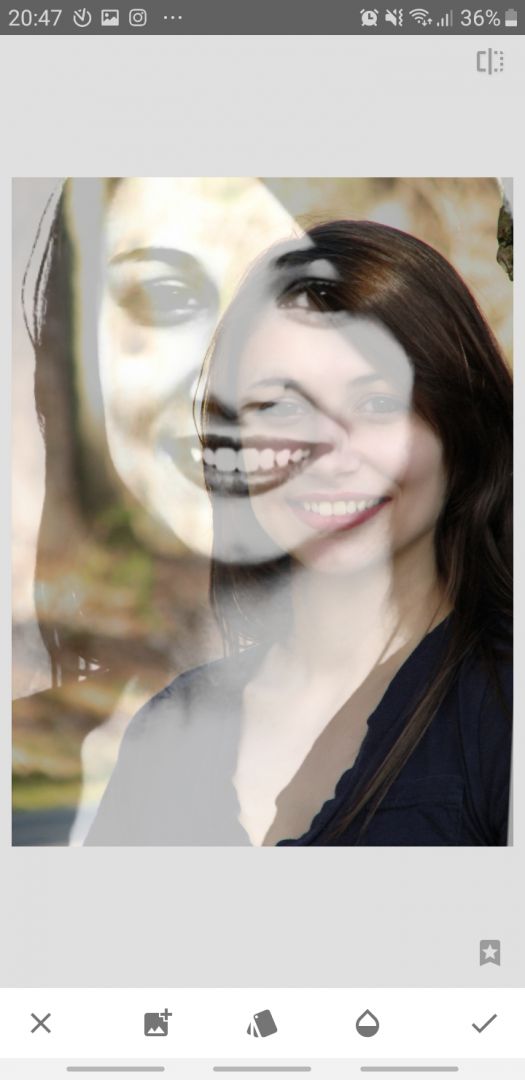
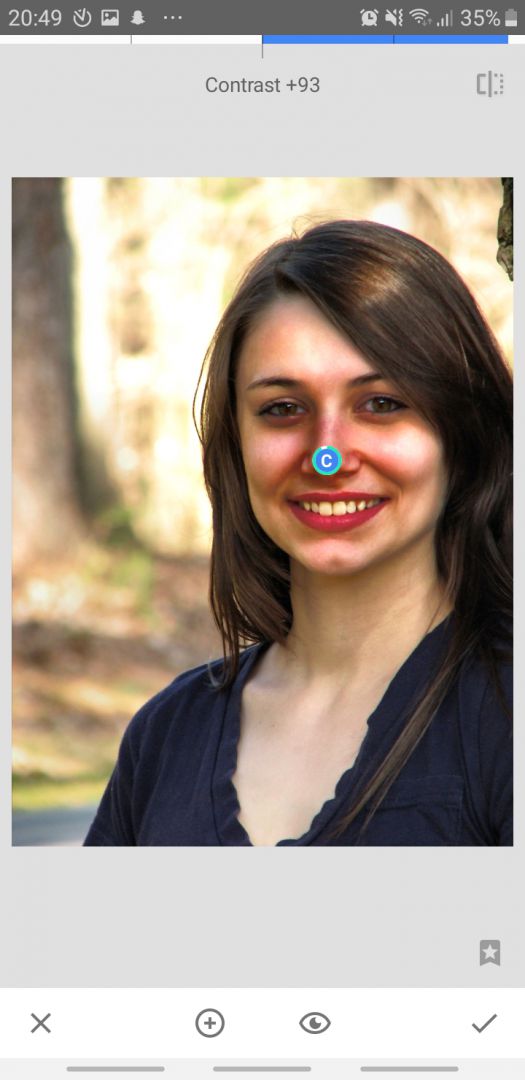
The Perspective feature lets you alter the perspective of the image, artificially changing the angle at which the photo was taken. The Selective option enables you to highlight a specific area of the photo where you wish to apply certain changes. The Brush feature uses a brush to selectively apply an effect. If you ever take a portrait and feel that your head is at a weird angle, the Head pose effect can completely correct that and keep the photo looking natural!Exporting and final thoughts
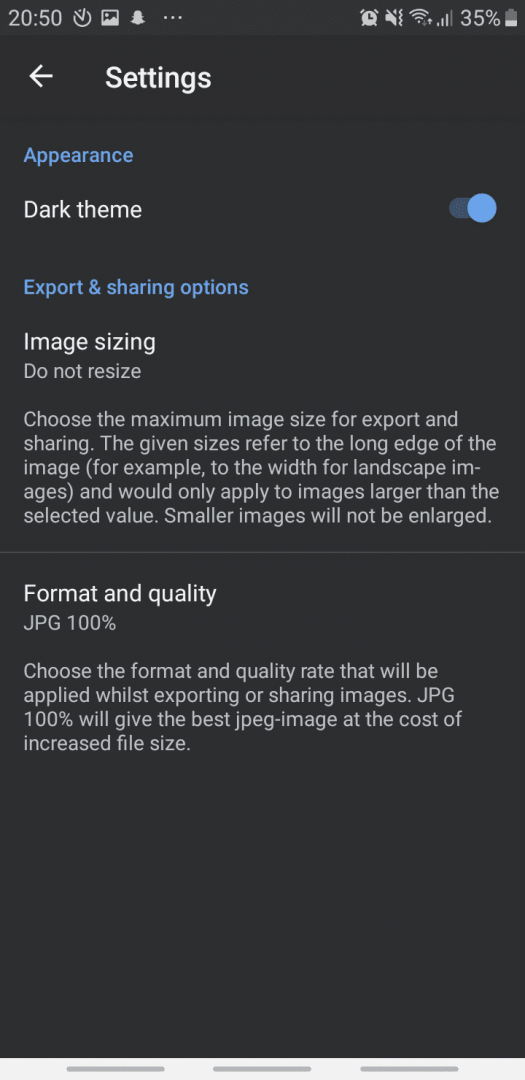
There are many more features you can check out! Still, we wish there were more photo transformation effects utilizing Google's impressive AI technology. The photos you create can be shared and exported easily. You can choose to resize them or manage their quality in Settings.